
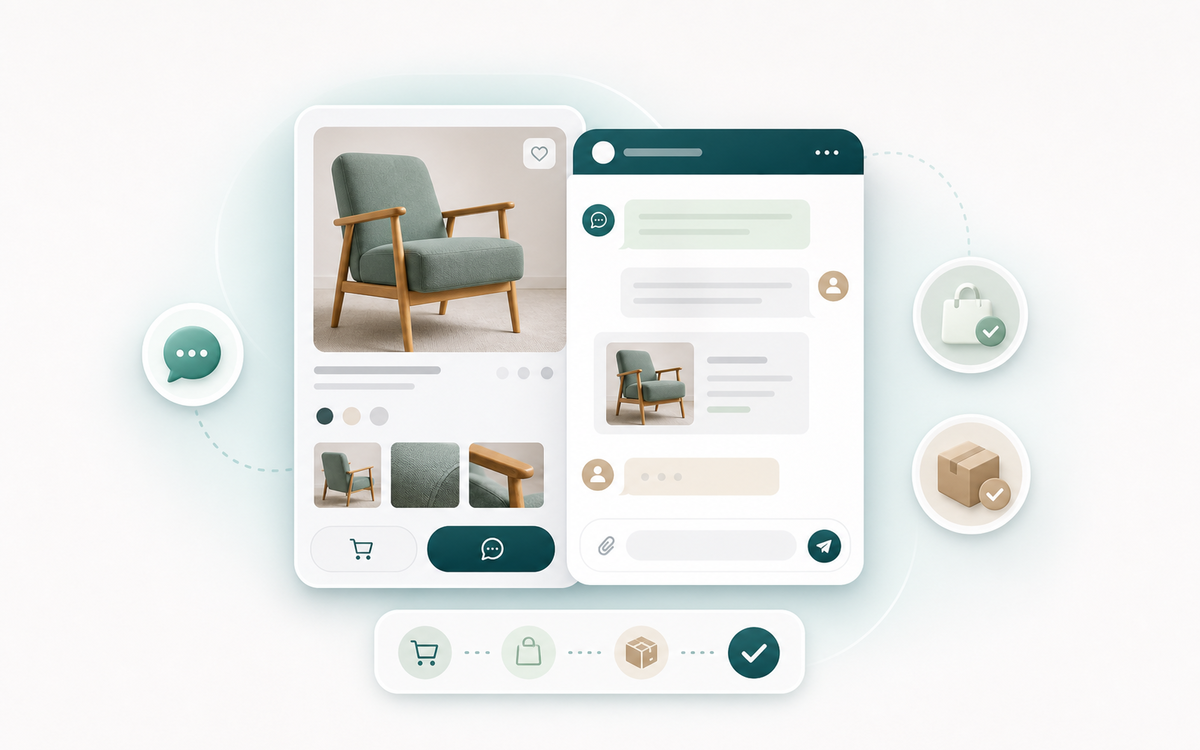
WooCommerce product Conversion bucket

AICOSO Click to Chat and Order

Add WhatsApp chat and order buttons across product, shop, cart, checkout, thank-you, and floating placements.

For stores focused on whatsApp selling inside WooCommerce.

Platform: WooCommerce Bucket: Conversion Access: Free plugin

WordPress.org handles the public listing, download page, changelog, and public forum context. Email [email protected] for current Aicoso guidance, private context, or product-fit help.

click-to-chat-primary

WordPress.org plugin

WordPress.org

Review signal

Ease of use

Native WooCommerce workflow

Compatibility

Verified where listed

Support path

Aicoso product help

Product context

Conversion product for WooCommerce workflows.

Add WhatsApp chat and order buttons across product, shop, cart, checkout, thank-you, and floating placements.

The documented path is a free WordPress.org plugin. Use the source channel for current listing details, documentation, and install or purchase context.

Merchant problem solved

WhatsApp selling

Add WhatsApp chat and order buttons across product, shop, cart, checkout, thank-you, and floating placements.

StatusLive public product
PathWordPress.org
Proof30+ active installs; 5/5 from 2 reviews
Version1.0.1
Buyer essentials

Check fit, proof, and compatibility before acting.

Use these notes to confirm whether this product matches the store problem, how strong the public proof is, and which compatibility values are documented.

Fit

Best fit and wrong fit

Best forWhatsApp selling
Not forStores that need a different platform, direct sales flow, or unsupported workflow.
Proof

Public proof snapshot

Proof note30+ active installs; 5/5 from 2 reviews
Version1.0.1
StatusLive public product
Compatibility

Compatibility snapshot

Documented valuesRequires WordPress 6.2+ and PHP 7.4+; tested up to WordPress 6.8.5.
Source channelWordPress.org
How it works

Follow the workflow before production rollout.

These steps keep evaluation practical: confirm fit, review the real channel, configure the workflow, and use support routing when the next step is unclear.

Review the listing

Confirm the WordPress.org page, setup notes, changelog, and documentation before acting.

Install from WordPress.org

Use the documented source channel for current product metadata and access details.

Configure the workflow

Match the product settings to the specific WooCommerce store problem before using it in production.

Route support clearly

Use source-channel context when useful, and email [email protected] when the next step is unclear.

Screenshot-led proof

AICOSO Click to Chat and Order workflow preview.

The page keeps the visual product preview close to the static reference while keeping all claims tied to product source fields.

WhatsApp selling

Conversion workflow

WhatsApp chat and order buttonsDocumented
Message templates with product, cart,Documented
Multiple numbers, product/category assignment, shortcodes,Documented
AccessFree plugin
PathWordPress.org
StatusLive public product

WhatsApp chat and order buttons

WhatsApp chat and order buttons across key WooCommerce placements.

Message templates with product, cart,

Message templates with product, cart, and order fields.

Multiple numbers, product/category assignment, shortcodes,

Multiple numbers, product/category assignment, shortcodes, exclusions, and styling controls.

Capabilities

What the product covers.

These are the source-backed capabilities currently represented in the product catalog.

WhatsApp chat and order buttons across

WhatsApp chat and order buttons across key WooCommerce placements.

Product capability

Message templates with product, cart, and

Message templates with product, cart, and order fields.

Product capability

Multiple numbers, product/category assignment, shortcodes, exclusions,

Multiple numbers, product/category assignment, shortcodes, exclusions, and styling controls.

Product capability
Product FAQ

Confirm fit, channel, and support before you act.

Use these questions to separate product-fit guidance from Marketplace billing, WordPress.org listing context, and Aicoso support routing.

What channel is this product available through?

This product is available through WordPress.org. Use that channel for current listing, documentation, and access details.

Is this a paid product?

No paid plan is documented for this free plugin in the current Aicoso product source of truth.

Where do I get support?

WordPress.org handles the public listing, download page, changelog, and public forum context. Email [email protected] for current Aicoso guidance, private context, or product-fit help.

Where should I verify current compatibility?

Use the current WordPress.org listing and documentation before install or purchase. Aicoso keeps unsupported compatibility claims off this page.

Destination and documentation

Confirm the product channel before you act.

Use the real install or purchase path, review documentation, and keep support available when the next step is unclear.

Access path

Start with the documented product channel.

Use WordPress.org to review listing details, documentation, and current access context.

  • Clear product overview
  • Documentation and setup guidance
  • Source channel kept accurate
  • Support path kept visible
WordPress.orgFree plugin
Download free plugin
Documentation

Review the documented setup before you act.

Open the linked documentation or listing to confirm setup, merchant fit, and current source-channel details.

  • Published setup guidance
  • Workflow and compatibility notes
  • Documentation linked to the real product path
  • Support still available when docs are not enough
DocumentationSetup guidanceCompatibility
View plugin page & FAQ
Support and documentation

Get setup and support from one clear path.

WordPress.org handles the public listing, download page, changelog, and public forum context. Email [email protected] for current Aicoso guidance, private context, or product-fit help.

WordPress.org context

Use the source channel for current listing details and public product metadata.

Download free plugin

Support routing

Need help choosing between docs, public channel context, or Aicoso email support? Start with the routing page.

Open support routing

Need help choosing the right product path?

Email [email protected] with the product name, platform, channel, and issue details when public context does not answer the next step.

Related products

Other WooCommerce products from Aicoso.

Related cards keep the same pattern: product page for context, documented destination as the main CTA, and documentation as the secondary CTA.

Primary CTA

Ready to review AICOSO Click to Chat and Order?

Use WordPress.org when the fit is clear. Review the source channel and documentation before install or purchase.

Conversion snapshot

WhatsApp selling

Add WhatsApp chat and order buttons across product, shop, cart, checkout, thank-you, and floating placements.